RSI DiscoveryMonth
Watch any Drops-enabled Star Citizen stream for four hours and unlock the Phoenix Insignia Display for free. No sub, no catch.
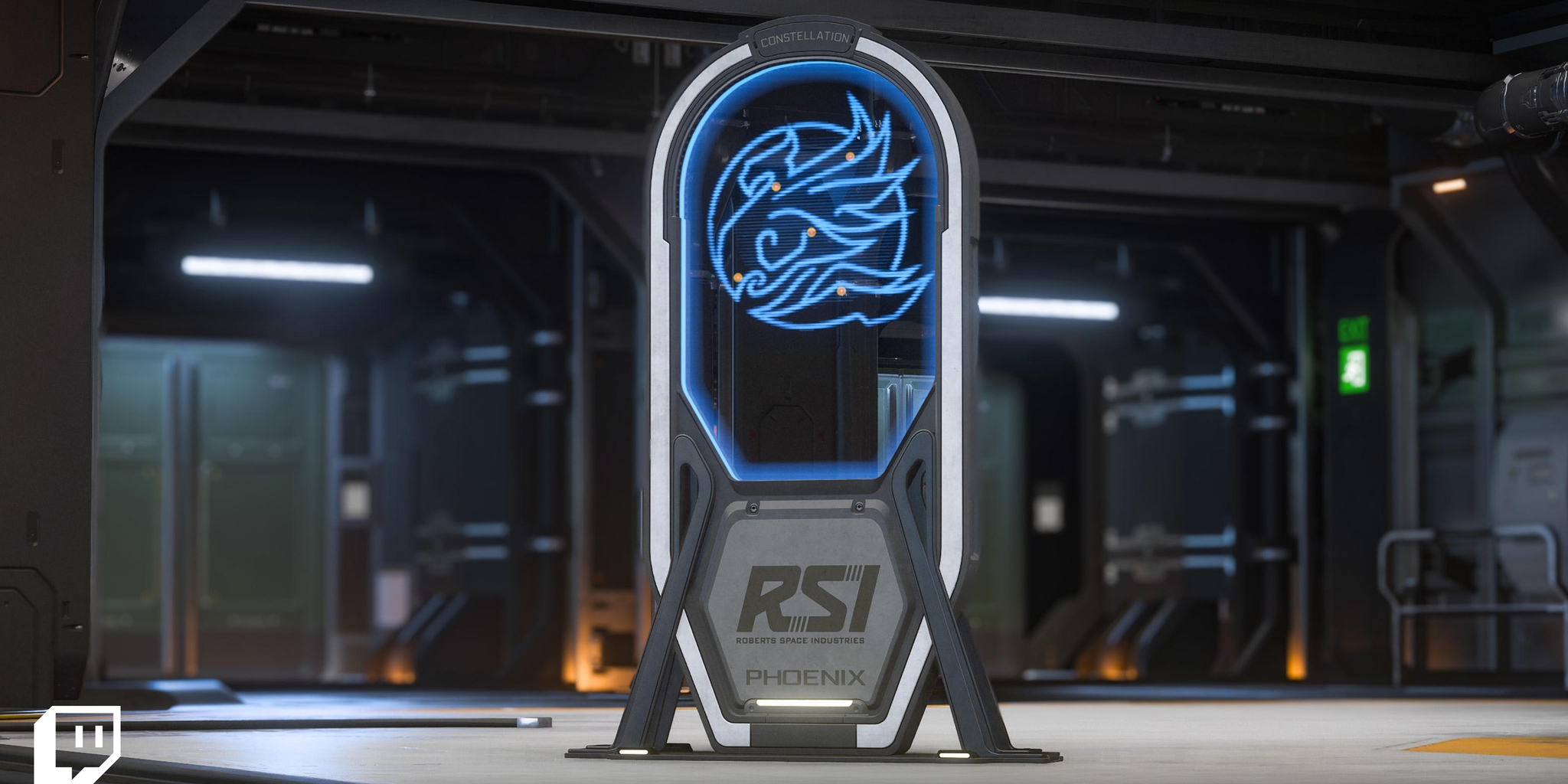
Watch reward
Phoenix Insignia Display
Inspired by the fiery insignia found aboard the classic Constellation Phoenix, this holographic display brings a piece of RSI history straight to your hangar.
How to claim
Link Twitch to your RSI account
One-time setup through
Connect Accounton RSI, or Twitch Settings → Connections. Do it before you start watching. Drops don't count retroactively.Watch for 4 hours
Drop into my stream while I'm live on Star Citizen. It doesn't need to be one sitting. Any Drops-enabled Star Citizen stream counts, but I'd rather have the company.
Claim it before Oct 27
Head to
twitch.tv/drops/inventoryand claim it manually once the progress bar is full. Unclaimed drops are lost when the campaign ends.
Q&A
Does every stream count, or just certain ones?
Only streams tagged Drops Enabled. Any Star Citizen stream carrying that tag counts toward the reward, not just official channels.
How do I know my watch time is counting?
Check the Drops Inventory tab on Twitch while logged in. Progress fills automatically as you watch. When it's complete, hit Claim.
Do I need to subscribe?
No. This drop is watch time only. A regular Twitch account linked to your RSI account is all you need.
Can I unlink or switch my Twitch account?
Yes, anytime, from RSI Account Settings → Linked Accounts. Only one Twitch account can be linked to an RSI account at a time, so switching means repeating the connection step.